Foundations: TC, Mixer, Rack
Utility pieces live in the build wheel Foundations ring — not Walls or Compound.
How to find them
- Blueprint in hands → hold RMB.
- Move to the Foundations ring.
- Pick one of:
| Piece | Role |
|---|---|
| Command cabinet | Territory controller (TC) for BS's own territory system |
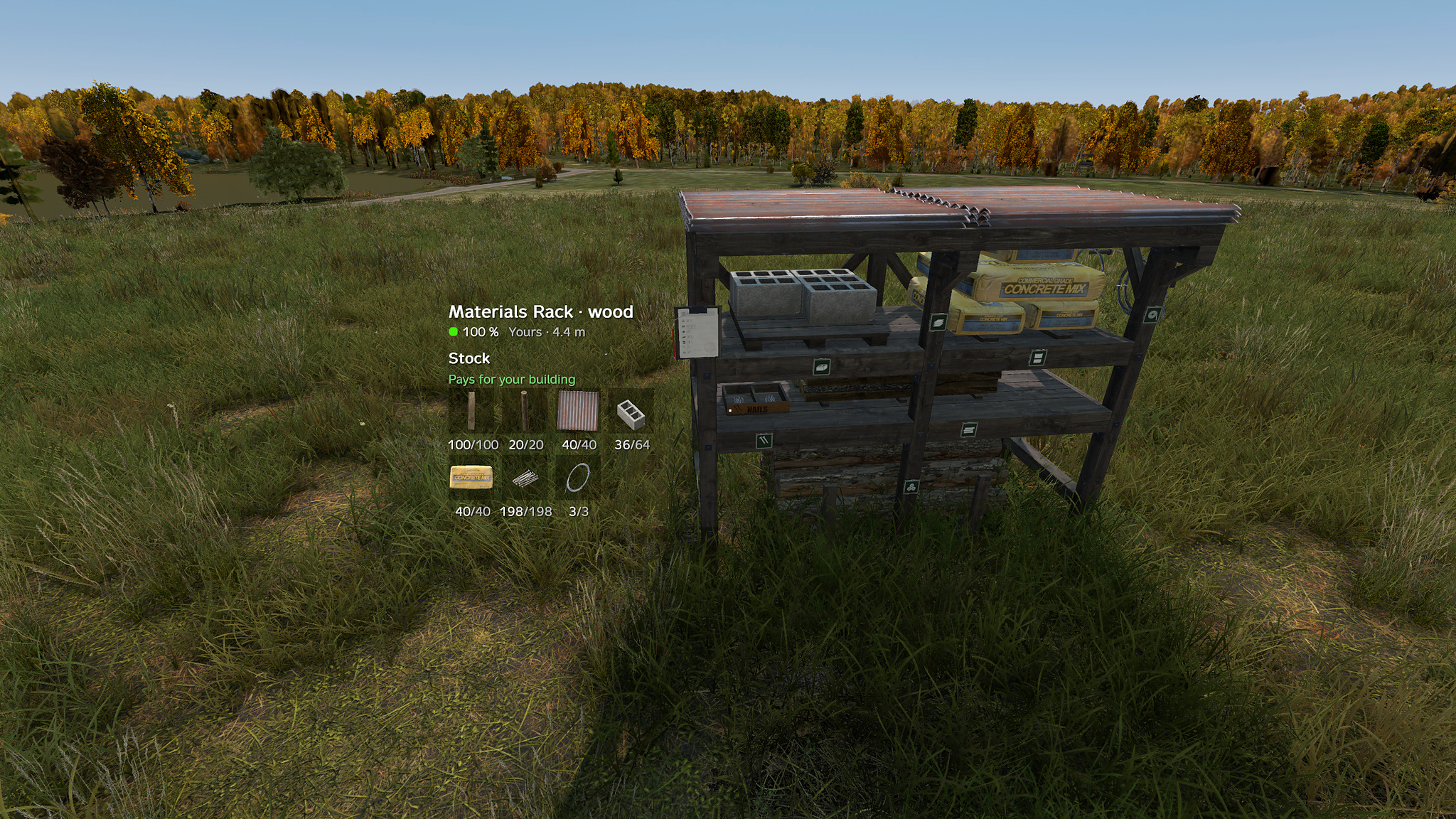
| Materials Rack | Storage + pays for nearby builds (the “holder”) |
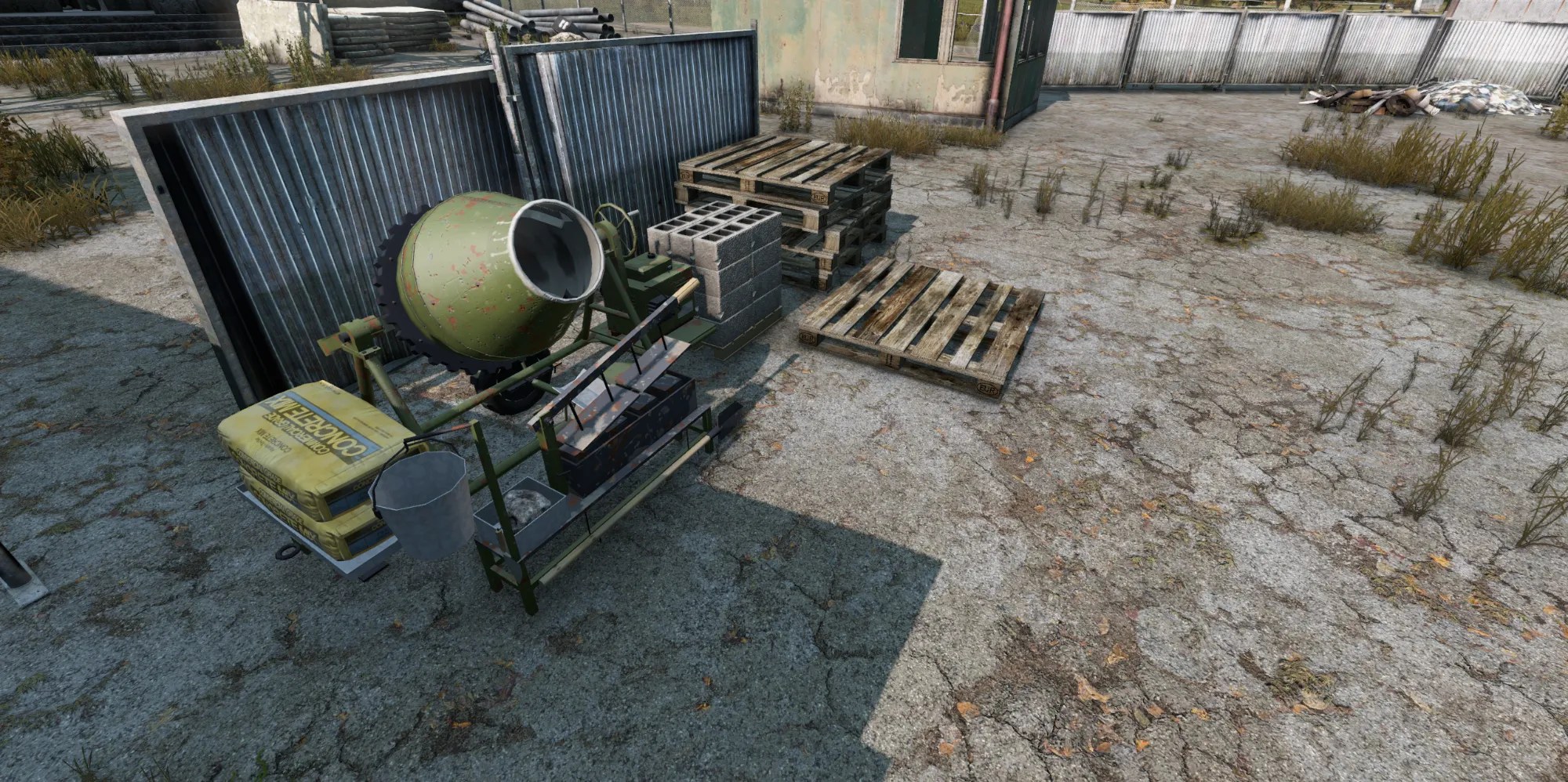
| Concrete mixer | Crafts BSBB_ConcreteBlock from cement + stones |
| Stilted / triangular foundation | Actual floor pads |
| Posts / signs | Support + decoration |
If you only browse Walls/Doors, you will never see TC, mixer, or rack.
Command cabinet (TC)
Used when the server runs BS territory (Territory.System = 1). Expansion / LBmaster flags may replace it on other setups — Ashes docs assume BS cabinet unless staff says otherwise.
Place & levels
- Foundations ring → Command cabinet → place on ground or floor inside your base.
- Starts as a hologram (no radius, no perms).
- Hammer-upgrade to Level 1 / 2 / 3. Territory starts at level 1.
| Level | Radius | Upgrade cost (default) | Health | Base upkeep / day |
|---|---|---|---|---|
| 1 | 20 m | 10 planks + 4 metal sheets | 3 000 | 10 pts |
| 2 | 30 m | 6 metal sheets | 6 000 | 20 pts |
| 3 | 40 m | 10 concrete blocks | 9 000 | 30 pts |
Cylinder extends ~40 m up / 15 m down from the cabinet. Can't place within 100 m of another cabinet, in no-build zones, or over your max cabinet count.
What it controls
Inside radius: Build, Upgrade, Repair, Dismantle, Rotate, Codelock — by owner / admin / member rules.
Outside: strangers can't build in the buffer ring around your territory.
Destroying/dismantling the cabinet .